WebSearch Plugin
WebSearch opens search URLs from Wox. It can work as a fallback result for normal text or through explicit engine keywords.
Quick Start
text
Wox Launcher
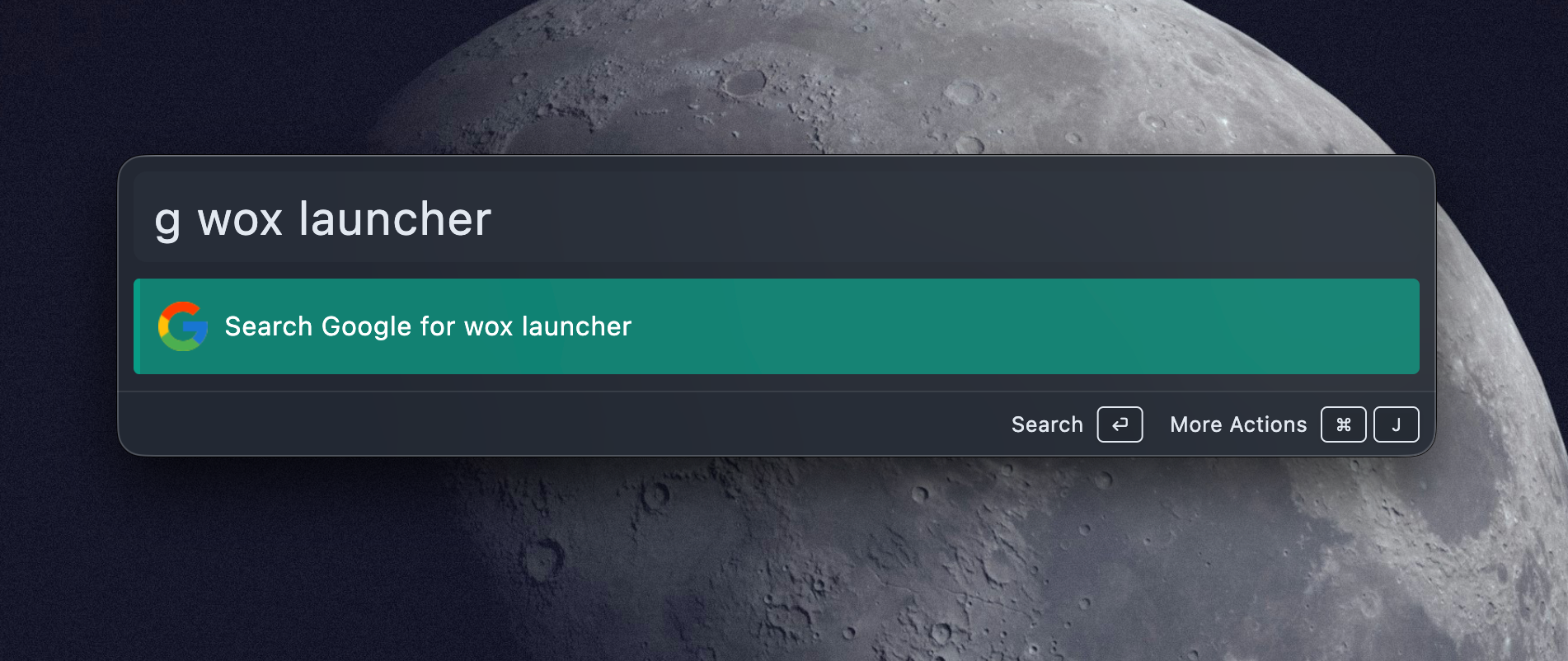
g Wox Launcher
The default configuration includes Google with the g keyword. Add more engines in plugin settings.
Engine Settings
| Field | Use |
|---|---|
| Keyword | Shortcut typed before the query, such as g |
| Title | Result label shown in Wox |
| URL(s) | Search URL templates |
| Enabled | Whether the engine appears |
| Default | Whether the engine is used for fallback searches |
URL Variables
| Variable | Value |
|---|---|
{query} | Original query text |
{lower_query} | Lowercase query text |
{upper_query} | Uppercase query text |
Example URL:
text
https://www.google.com/search?q={query}If an engine has multiple URLs, Wox opens each URL in order.
Selected Text
When you trigger Wox on selected text, WebSearch can show fallback engines for that selection. This is useful for quickly searching an error message, symbol, or phrase from another app.