Browser Bookmark Plugin
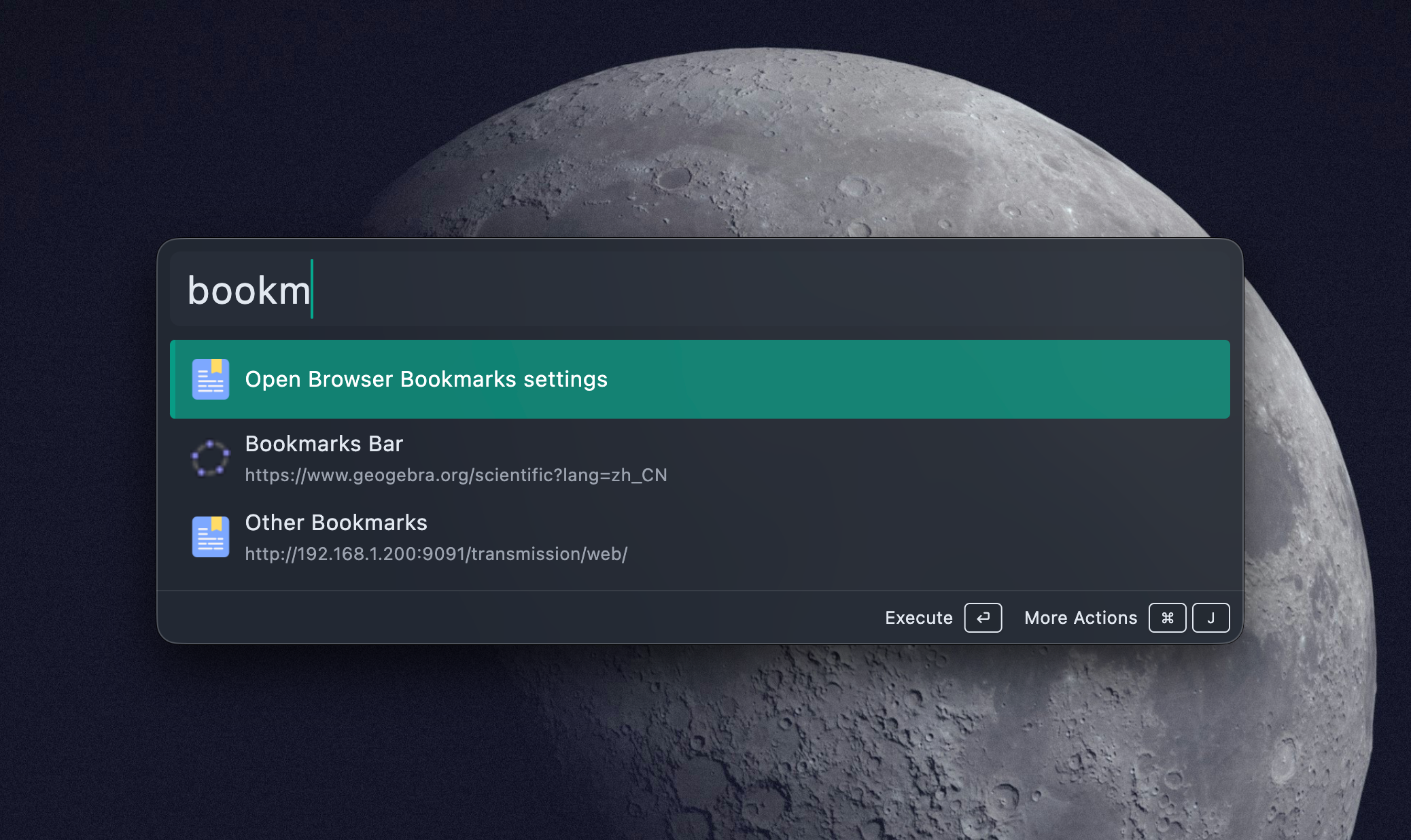
Browser Bookmark is a global plugin. Type a bookmark title or part of a URL and Wox can open the matched page.
Quick Start
github
docs
wox launcher
github.com/Wox-launcher
The plugin uses stricter matching than broad text search so bookmark results do not flood every query.
Supported Browsers
| Browser | Notes |
|---|---|
| Chrome | Reads common profiles such as Default, Profile 1, Profile 2, and Profile 3. |
| Edge | Reads common profiles on Windows, macOS, and Linux. |
| Firefox | Reads Firefox profile directories and places.sqlite. |
Safari bookmarks are not currently indexed.
Settings
Open Settings -> Plugins -> Browser Bookmark to choose which browsers Wox should index. Keep only the browsers you actually use enabled if you have many duplicate bookmarks.
Icons and Ordering
Wox prefetches bookmark favicons in the background and keeps them cached. Frequently opened bookmarks can be restored through MRU behavior, so common destinations move closer to the top over time.
Troubleshooting
A bookmark is missing
- Confirm the browser is enabled in plugin settings.
- Confirm the bookmark is in a supported profile.
- Restart Wox if the browser just synced or rewrote its bookmark database.
- For Firefox, close Firefox once if the profile database is locked.
Duplicate bookmarks appear
The plugin removes exact duplicates with the same title and URL. Similar bookmarks from different profiles or different URLs are kept because Wox cannot know which one you want to preserve.
Favicons are missing
Favicons load in the background and require network access. The bookmark still works while the icon cache is warming up.
Auto Reload
Plugin automatically reloads bookmarks in following situations:
- When browser bookmark file changes (via file watching)
- When restarting Wox
Manual Reload
If you need to reload bookmarks immediately:
- Restart Wox
- Or close browser to save bookmarks then open
Usage Scenarios
Quick Access to Common Websites
github
reddit
hacker news
Open Work-Related Bookmarks
company docs
project tracker
jira
Developer Tools
stackoverflow
mdn docs
can i use
Related Plugins
- WebSearch - Web search
- Application - Launch browser
- Clipboard - Clipboard history, useful for pasting URLs
Technical Notes
Browser Bookmark plugin:
Bookmark Reading:
- Directly reads browser's bookmark JSON files
- Supports multiple browser profiles
- Auto-deduplicates
Icon Caching:
- Prefetches favicon on startup in background
- Uses separate cache files
- Supports icon overlay display
Search Matching:
- Bookmark names: Fuzzy matching
- URLs: Exact partial matching
- Minimum match score is 50, filters low-score results
MRU:
- Uses global MRU system
- Sorts by access frequency and time
- Supports quick access to frequently used bookmarks