Did You Know: Wox Can Bring Back a Launchpad-Style App Grid
macOS Tahoe changes the old Launchpad habit. If you still prefer a visual app grid over a search-first app list, Wox can give you a similar flow through the built-in App plugin.
Open Wox and run:
app launchpadThe App plugin switches to a grid layout for this command, so installed applications appear as large icons with names underneath. It feels closer to the classic macOS Launchpad pattern: scan the grid, recognize the app by its icon, then open it.
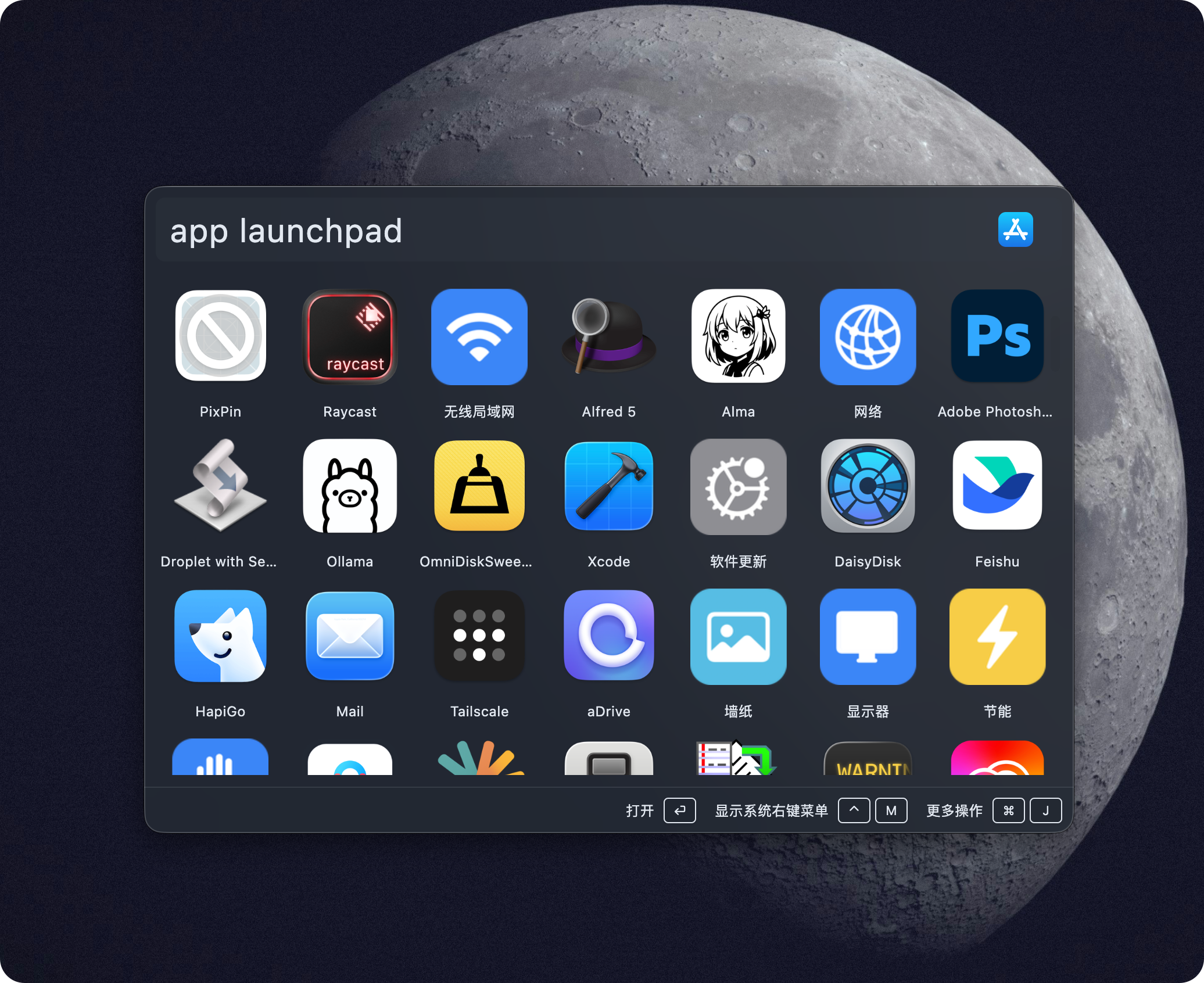
This is useful when you know what an app looks like but do not want to type its name. It also works well after a fresh setup, when you are still rediscovering which tools are installed.
The normal Wox app search is still there for fast typed launches. app launchpad is intentionally separate: the regular app query stays dense and search-oriented, while Launchpad mode gives you a calmer visual grid for browsing.
For a faster shortcut, bind a Query Hotkey to app launchpad. Then one keyboard shortcut opens the app grid directly, giving macOS Tahoe users a familiar Launchpad-like entry point without leaving Wox.